 AI Voice · RVC
Goku Voice Changer
Sound like Goku in real time for Discord, games, streams, cosplay, and Dragon Ball fan content.
Who is Goku?
Goku is the cheerful, endlessly determined hero at the center of Dragon Ball. His voice jumps from playful curiosity to fearless intensity the instant a fight gets serious. Echo is independent and is not affiliated with the franchise or its performers.
What does Goku sound like?
A strong Goku performance is bright, energetic, and highly dynamic. Let casual speech feel open and friendly, then add sharper rhythm and intensity for challenges, transformations, and battle lines.
Go From Friendly Saiyan to Full Power
Goku is not one flat voice. He can sound upbeat and easygoing one moment, completely focused the next, and explosive when the fight begins. A Goku voice changer works best when the model follows those shifts instead of turning every sentence into a scream.
Use the voice live in Discord, Dragon Ball and anime games, VRChat, streams, cosplay calls, fan dubs, or comedy clips. Echo carries the converted microphone into apps that accept a microphone input, so the character can react as fast as you do.
- Friendly Discord banter and anime roleplay.
- Battle speeches, power-ups, and stream reactions.
- Cosplay, fan dubs, shorts, and convention content.
- Dragon Ball game nights with Vegeta and Frieza voices.
Choose Japanese or English Goku
Japanese and English Goku have very different vocal identities. The Japanese performance is higher, sharper, and extremely agile; the familiar English dub is lower, rougher, and heavier in battle scenes. Choose a community model trained for the version your audience expects.
Your delivery still matters. Keep casual lines bright and relaxed, tighten the rhythm when the character gets serious, and protect your real voice instead of trying to overpower the model by shouting.
Find a Goku Model and Use It Live
Echo supports compatible user-supplied RVC models. Start with the Goku listings on AIVoices.gg, follow the listing to its original download source, import the model into Echo, and test it against the way you actually plan to speak.
Want a rival for the scene? Try Vegeta for proud intensity, Frieza for cold theatrical menace, or browse the full Anime Voice Changer collection for more character directions.
How to get the Goku voice in Echo
With RVC (AI model)
- 01 Source a compatible .pth model you have permission to use
- 02 Convert to .onnx at voicechanger.live/tools/model-converter
- 03 Import the .onnx file into Echo
- 04 Adjust pitch offset if needed
- 05 Start talking — real-time AI conversion
With Echo’s included effects
No model yet? Start with a brighter included voice and lean into an upbeat, fearless anime-hero delivery while you explore compatible community models.
Community model directories
Start with AIVoices.gg to find downloadable RVC models, then follow its listing to the original source. Echo and AIVoices.gg do not host, license, or endorse the third-party files linked by these directories. Check provenance, licence terms, platform rules, and permission for your intended use before downloading or importing anything.
Best for
Frequently asked questions
How do I sound like Goku in real time?
Download Echo, import a compatible Goku RVC model, select it, and use the Echo virtual microphone in your target app. Speak naturally and let the model convert your timing and emotion live.
Does the Goku voice changer work on Discord?
Yes. Select the Echo virtual microphone in Discord and people in the call will hear the converted Goku-style voice as you speak.
Can I use a Goku voice in games and streams?
Should I choose Japanese or English Goku?
Where can I find a Goku RVC model?
Is the Goku voice changer free?
Does Echo include an official Goku voice?
Other voices you might like

Vegeta
Sound like Vegeta in real time for Dragon Ball games, Discord, cosplay, streams, and anime roleplay.
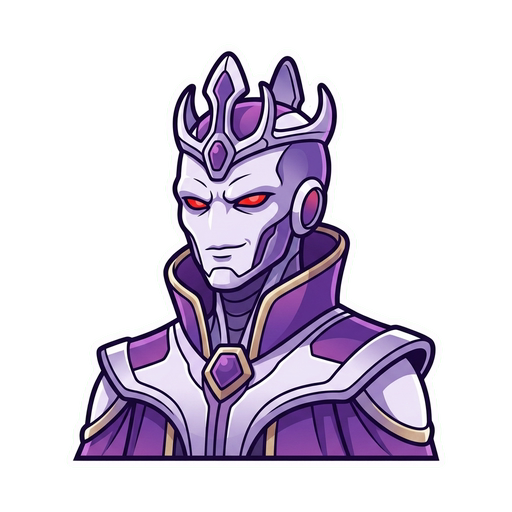
Frieza
Sound like Frieza in real time for Dragon Ball games, Discord, cosplay, streams, and villain content.

Gojo (Satoru)
Sound like the strongest sorcerer in Discord, games, streams, VRChat, and anime content.
Ready to try Goku?
Download Echo, import a Goku RVC model, and start talking. Completely free.
Download Echo