Your download is
on its way
Getting the latest Echo installer ready for you…
Secure Download Community
95,000+
users making themselves heard


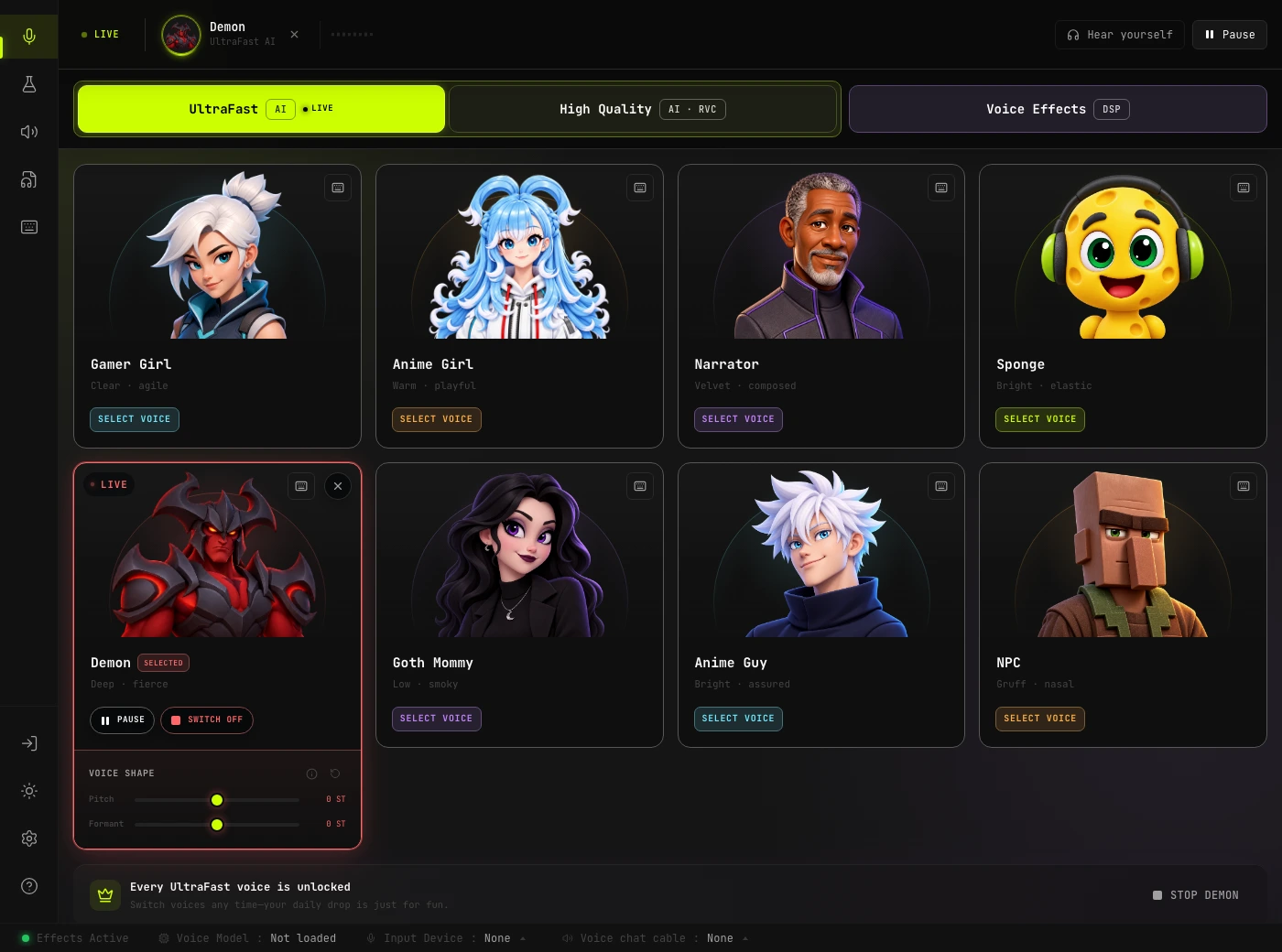


 Gamer Girl
 Goth Mommy
RVC voice changerUltraFast AI voicesSoundboardText-to-SpeechVoice effects
- 01Install & open Echo
Download Echo for your computer, run the installer, then launch the app.
Setup guide - 02Try your first voice
Choose your mic in Echo’s audio settings. Select an UltraFast voice and try Hear Yourself with headphones.
Test your microphone - 03Connect to Discord & games
Finish Echo’s virtual-cable setup. Choose your virtual audio cable as your input in Discord → Voice & Video and your game’s voice chat settings.
Discord setup guide