Male Voice Changer
Find a male voice that fits you, your avatar or the character you have been waiting to play.
Choose a male voice that fits you
Warm and relaxed, light and lively, or rough around the edges: there is more to a male voice than bass. Start with Male Demo in Echo Live’s model downloads to try the change on your own microphone.
Want a different character? Import a community AI voice. Echo works with the open RVC model ecosystem, so you can keep looking for a tone that suits your avatar, your roleplay character or simply how you want to sound in a call.
Female-to-male voice changing
Choose the voice you like, then adjust the pitch offset to suit your input. Make small changes and say something you would actually say to a friend. Try “Are we starting another round?” as a question, a quiet aside and an excited reaction.
Listen for clear words and a voice that stays consistent across those deliveries. If the result sounds strained or muddy, move back toward the starting setting or try another model. The most convincing setting depends on your voice, microphone and model; lowering the pitch further is not always the answer.
Bring your male voice into Discord and roleplay
Once your model is ready, select Echo as the microphone in Discord or your game. Speak normally and the changed voice follows the conversation, whether you are catching up with friends or introducing a new character.
For a character entrance, try the voice in a full sentence before the scene: a greeting, a question and a line said with a smile. That gives you a better feel for the character than one impressive low note.
- Choose a model and your microphone in Echo Live.
- Select Echo as the input device in your chat app or game.
- Listen to the mic test, then take the voice into the conversation.
How to get the Male voice in Echo
With RVC (AI model)
- 01 Source a compatible .pth model you have permission to use
- 02 Convert to .onnx at voicechanger.live/tools/model-converter
- 03 Import the .onnx file into Echo
- 04 Adjust pitch offset if needed
- 05 Start talking — real-time AI conversion
With Echo’s included effects
Want a quick change? Try Deep Voice for a lower pitch or experiment with Gender Swap. For a different vocal character as well as pitch, explore the AI model route.
Community model directories
Start with AIVoices.gg to find downloadable RVC models, then follow its listing to the original source. Echo and AIVoices.gg do not host, license, or endorse the third-party files linked by these directories. Check provenance, licence terms, platform rules, and permission for your intended use before downloading or importing anything.
Best for
Frequently asked questions
Which male voice should I start with?
Try Male Demo from Echo Live’s model downloads. For another tone or character, import a compatible community RVC model and compare it with your own microphone.
Can I use Echo for female-to-male voice changing?
Yes, you can try a male RVC model with your own voice and adjust the pitch offset as needed. How natural it sounds depends on the model, your input and settings; test conversational speech before using it live.
Is a male voice changer just a deep voice effect?
Where can I find more male voice models?
Does a male voice model improve my microphone quality?
Other voices you might like
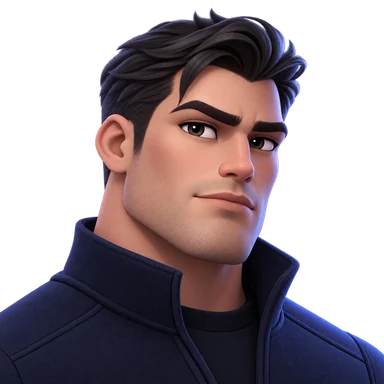
Deep Voice
Drop your voice into rich bass territory for Discord, games, streams, and characters.

Gender Swap
Switch your voice in either direction and try a completely different character.
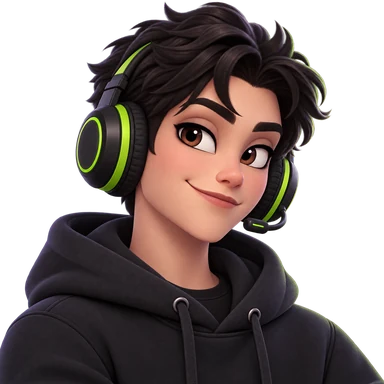
Streamer Pro
Sound like a professional streamer—warm, clear, and broadcast-ready in real time.
Ready to try Male?
Download Echo Live, try Male Demo and find the voice you want your friends to hear.
Download Echo