Space Marine Voice Changer
Make your next squad briefing sound like it is coming from inside a suit of power armour.
Choose your Space Marine-style voice
Give your squad leader a voice to match the armour. These Echo effects offer different starting points, from helmet comms to a deeper, heavier character:
- Space Trooper: helmet-radio speech with a little crunch. Start here for an armoured squad member.
- Dark Commander: a deeper, masked voice for a heavier character.
- Military Radio: gritty tactical comms for short orders and battlefield reports.
Give the helmet voice some weight
With Space Trooper selected, use Helmet Crunch to adjust the grit. Visor changes how much bass passes through the helmet filter. Try the same line as you adjust them: “Squad, on my mark. We move together.” Keep enough of the words clear that your teammates can follow the order.
Deliver the line at a steady pace, with a pause before the command. You can make a dramatic entrance without shouting into the mic. For Dark Commander, adjust Pitch for depth and Mask Effect for the masked sound.
Use a Space Marine voice in your next co-op session
Playing Space Marine 2 with friends on Discord? Choose your effect in Echo Live, then select Echo as Discord’s microphone. The voice follows your live conversation, from the first briefing to the moment the plan goes wrong.
If you use in-game chat, choose Echo wherever the game lets you select a microphone. Test a quick direction with the squad before starting. Keep the effect lighter for busy fights and save the most dramatic delivery for the victory speech.
How to build the Space Marine effect
Build your armored-soldier style from Space Trooper, Dark Commander or Military Radio. You can also create a custom version in VoiceLab.
Space Trooper filters your microphone into helmet comms with a little crunch. Dark Commander takes the voice deeper and adds a masked character; Military Radio brings a grittier tactical transmission. Choose the starting effect that fits your soldier.
- 01Try Space Trooper, Dark Commander and Military Radio separately
- 02Choose the clearest starting sound for your microphone
- 03Adjust the preset controls, or create a custom helmet effect in VoiceLab
- 04Test short squad calls before using the effect in a game
Best for
Frequently asked questions
What is the Space Marine voice called in Echo?
Echo does not have a preset named Space Marine. Try Space Trooper for helmet comms, Dark Commander for a deeper masked style, or Military Radio for tactical radio speech.
Can I use it while playing Space Marine 2?
Use Echo as the input in the voice-chat route you play with, such as Discord. If your game exposes a microphone selector, choose Echo there and test that your teammates hear the processed voice.
Does this sound exactly like a Warhammer character?
How do I make the helmet voice easier to understand?
Do I need an AI model?
Other voices you might like

Space Trooper
Put your voice inside a battle-worn space helmet for sci-fi games, Discord squads, streams, and cosmic roleplay.
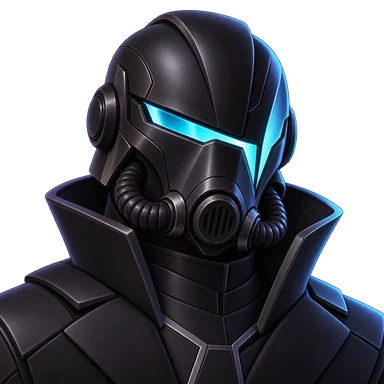
Darth Vader
Bring a deep mechanical Sith voice into the call and make every line a command.
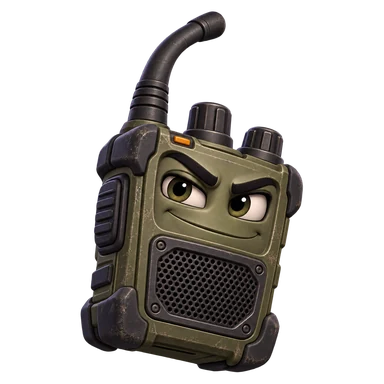
Military Radio
Sound like authentic military radio comms in tactical games, Discord, streams, and milsim roleplay.
Ready to try Space Marine?
Choose your helmet voice in Echo Live, gather the squad and give the next mission the briefing it deserves.
Download Echo