 AI Voice · RVC
Naruto Voice Changer
Sound like Naruto in real time for Discord, anime games, VRChat, cosplay, streams, and fan content.
Who is Naruto?
Naruto Uzumaki is the determined ninja hero at the center of Naruto and Naruto Shippuden, known for loud confidence, emotional honesty, and refusing to give up. Echo is independent and is not affiliated with the franchise or its performers.
What does Naruto sound like?
A recognizable Naruto performance is youthful, textured, fast, and emotionally direct. Playful lines can feel impulsive; bigger moments become focused, stubborn, and heroic.
Bring the Hidden Leaf to Voice Chat
Turn an ordinary Discord lobby into a ninja mission, match a Naruto avatar in VRChat, dub an anime clip, or deliver a stream speech with enough determination to win over the whole village. Echo converts your microphone live, so Naruto can react instead of waiting for prerecorded lines.
The voice works best when the performance moves between playful confidence, stubborn determination, and focused battle intensity. Keep the energy high, but let the model do the transformation instead of forcing every line.
- Anime game nights and Discord roleplay.
- Cosplay calls, convention videos, and fan dubs.
- VRChat avatars, VTuber characters, and streams.
- Comedy clips, dramatic speeches, and battle scenes.
Young Ninja Energy, Not Just a Higher Pitch
Naruto’s voice has texture, speed, and emotional directness. Casual lines can be bright and impulsive; serious moments become firmer and more focused. That contrast is more recognizable than simply making the microphone higher.
Japanese and English performances also sound different, so choose a model trained for the version you know. Test normal conversation as well as louder scenes before deciding which model fits your content.
Import a Naruto Model Into Echo
Browse Naruto listings on AIVoices.gg, follow a listing to the original model source, and import a compatible RVC model into Echo. Once loaded, route the Echo virtual microphone into Discord, games, VRChat, OBS, or your recording app.
For more anime voices, try Deku for nervous-to-heroic energy, Goku for explosive Saiyan intensity, or Gojo for a cooler, more effortless character.
How to get the Naruto voice in Echo
With RVC (AI model)
- 01 Source a compatible .pth model you have permission to use
- 02 Convert to .onnx at voicechanger.live/tools/model-converter
- 03 Import the .onnx file into Echo
- 04 Adjust pitch offset if needed
- 05 Start talking — real-time AI conversion
With Echo’s included effects
No model yet? Start with a brighter included voice and a direct, energetic ninja-hero delivery while you explore compatible community models.
Community model directories
Start with AIVoices.gg to find downloadable RVC models, then follow its listing to the original source. Echo and AIVoices.gg do not host, license, or endorse the third-party files linked by these directories. Check provenance, licence terms, platform rules, and permission for your intended use before downloading or importing anything.
Best for
Frequently asked questions
How do I sound like Naruto in real time?
Download Echo, import a compatible Naruto RVC model, and select the Echo virtual microphone in your target app. Your own timing and emotion drive the performance while the model converts the voice.
Does the Naruto voice changer work on Discord?
Yes. Choose the Echo virtual microphone in Discord to use the converted Naruto-style voice live in calls and roleplay servers.
Can I use Naruto’s voice in games, VRChat, and streams?
Should I choose a Japanese or English Naruto model?
Where can I find a Naruto RVC model?
Is the Naruto voice changer free?
Does Echo include an official Naruto voice?
Other voices you might like
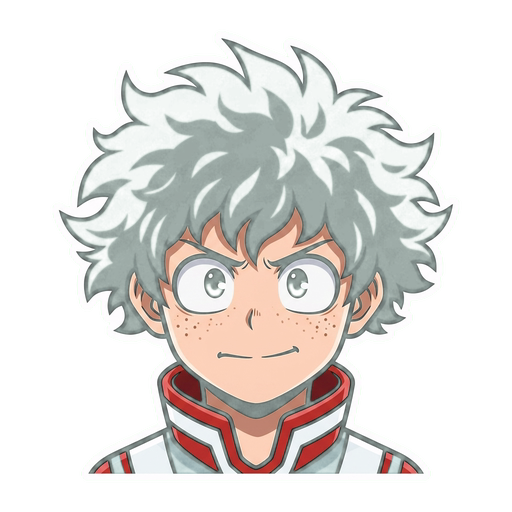
Deku (Izuku)
Sound like Deku in real time for Discord, anime games, Roblox, cosplay, streams, and fan content.
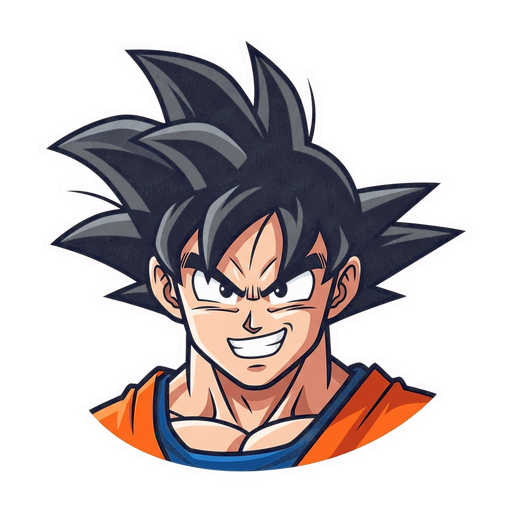
Goku
Sound like Goku in real time for Discord, games, streams, cosplay, and Dragon Ball fan content.
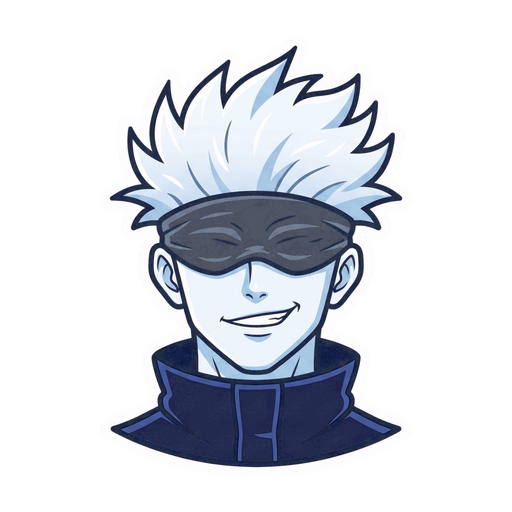
Gojo (Satoru)
Sound like the strongest sorcerer in Discord, games, streams, VRChat, and anime content.
Ready to try Naruto?
Download Echo, import a Naruto RVC model, and start talking. Completely free.
Download Echo