Browse all guides9 guides
What Voice Lab Creates
Voice Lab builds DSP voices from a chain of lightweight audio effects. These voices do not imitate a trained character model. They reshape your live microphone with filters, pitch effects, delays, distortion, harmonies, robot-style processing, and other modules.
Understand the Workspace

Signal Chain
Shows the path from Input through enabled effects to Output in processing order.
Effects
Lists available modules and lets you select, enable, or disable each effect.
Effect Parameters
Shows controls for the selected effect and a reset action for that module.
Draft
Keeps the current editable state separate from the active saved voice.
Save Preset
Names and saves the finished effect chain as a reusable DSP voice.
Build an Effect Chain

- 1
Start from a voice or blank draft
Open an editable DSP voice when you want to create a variation, or begin with a fresh Voice Lab draft.
- 2
Enable one effect
Choose a module for the main change you want, such as pitch, filter, robot texture, or reverb.
- 3
Adjust its parameters
Make a noticeable but controlled change, then listen before adding another effect.
- 4
Add supporting effects
Use compression, gain, equalization, or filtering only when they solve a clear level or tone problem.
Preview Versus Apply Draft
| Action | What It Does |
|---|---|
| Preview | Temporarily auditions the current draft through the live audio path. |
| Stop preview | Ends the temporary audition and returns to the previous active state. |
| Apply draft | Makes the current draft active without saving it as a named voice. |
| Revert to saved | Discards draft changes and restores the saved source voice. |
| Clear draft | Discards a new unsaved draft when there is no saved source voice. |
How Draft Recovery Works
- Voice Lab keeps a recovery draft while you edit.
- The draft can reopen after leaving the page or restarting Echo.
- A recovery draft protects current work but does not replace saving a named voice.
- If recovery saving fails, keep Voice Lab open and use a named save before closing Echo.
Choose the Correct Save Action
Save changes
Creates a new revision for the editable saved voice you opened.
Recommended: Use when you intentionally want this voice to move forward with the edited chain.
Save as new
Keeps the source voice and creates a separate DSP voice.
Recommended: Use for experiments or alternate versions.
Save and apply
Saves the voice and immediately makes it active for live processing.
Recommended: Use when the draft is finished and ready to use now.
Keep the Output Safe
- Watch for gain added by more than one effect.
- Reduce the chain level if the output clips or becomes harsh.
- Test both quiet and loud speech before saving.
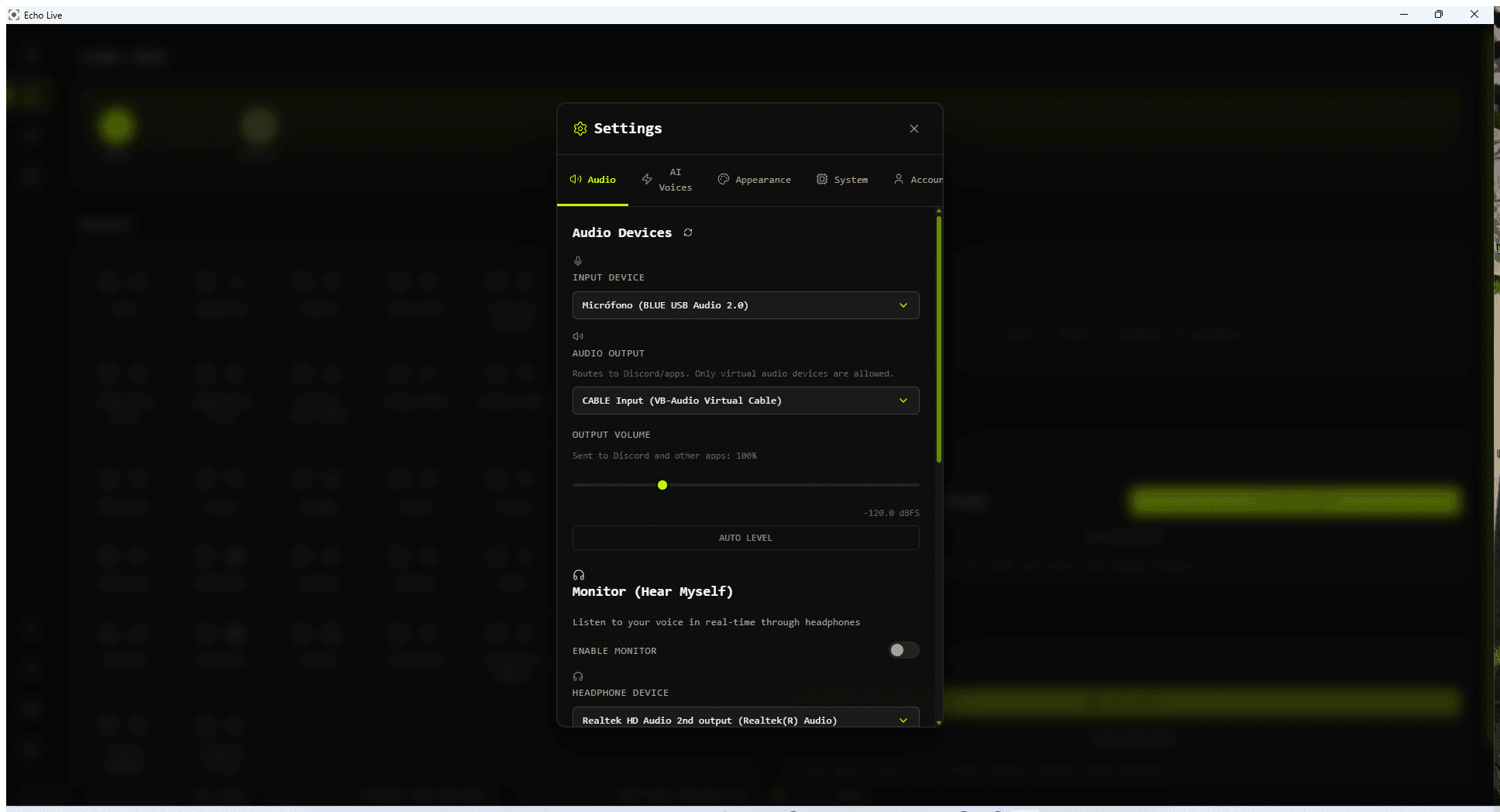
- Remember that Output Volume in Settings applies after the effect chain and changes what other apps receive.
- Use headphones during Preview to prevent feedback.
If the Draft Sounds Wrong
- 1
Disable the last effect
If the problem disappears, reset that module and rebuild its settings gradually.
- 2
Check the signal chain order
An effect can behave very differently before or after compression, distortion, filtering, or delay.
- 3
Return to the saved state
Use Revert to saved when you want to discard the experiment safely.
- 4
Save a variation instead
Use Save as new when the experiment is useful but should not replace your current voice.